Your work, remembered
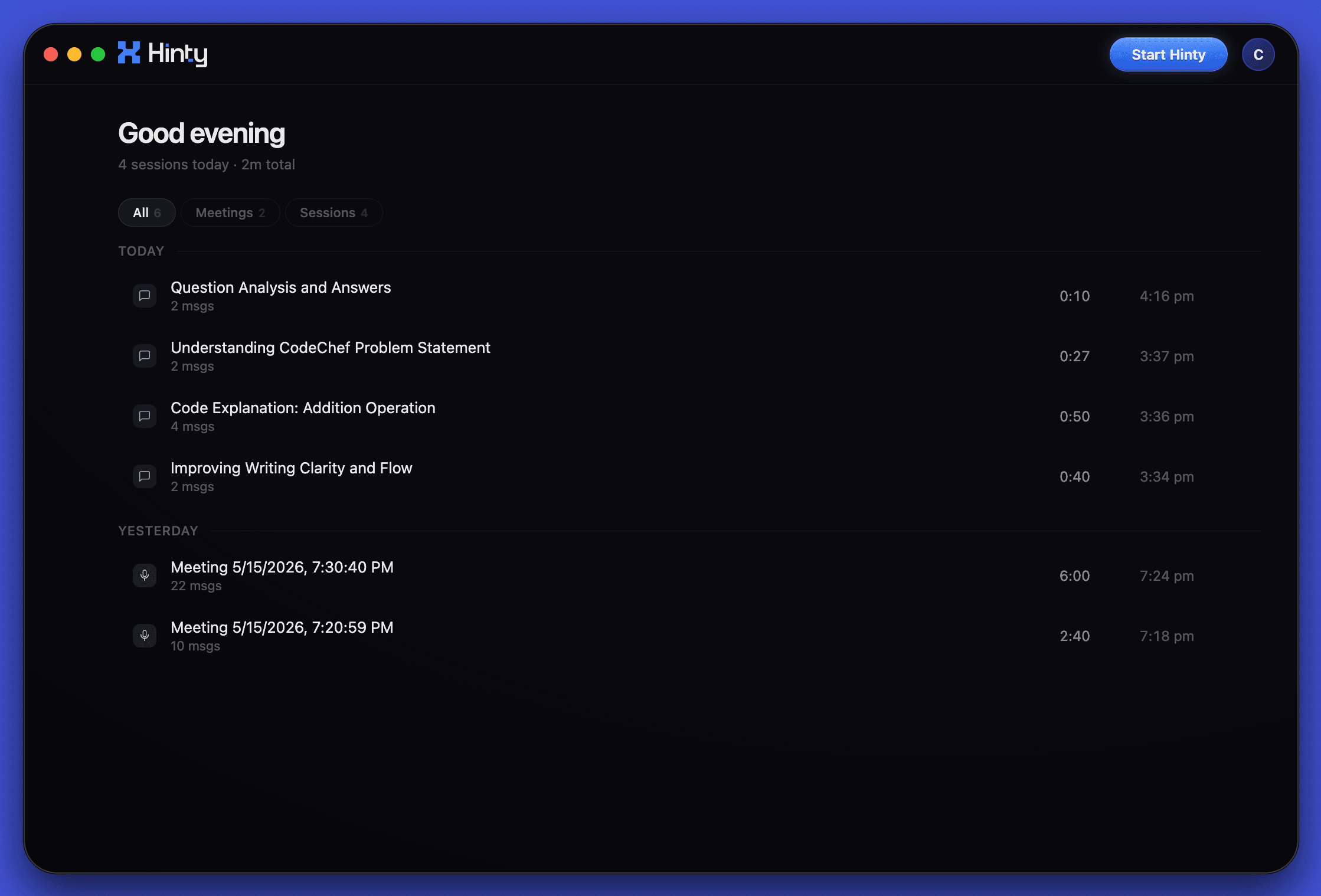
A quiet home for recent questions, meetings, and sessions. Open the app, find the trail, keep moving.

Ask about the screen in front of you. Hinty answers in a private panel, stays out of recordings, and keeps the useful trail after the work is done.
Used by students and professionals at








Your history, meetings, prompts, and answers stay organized in one place, while the side panel stays ready for the moment you need it.
A quiet home for recent questions, meetings, and sessions. Open the app, find the trail, keep moving.
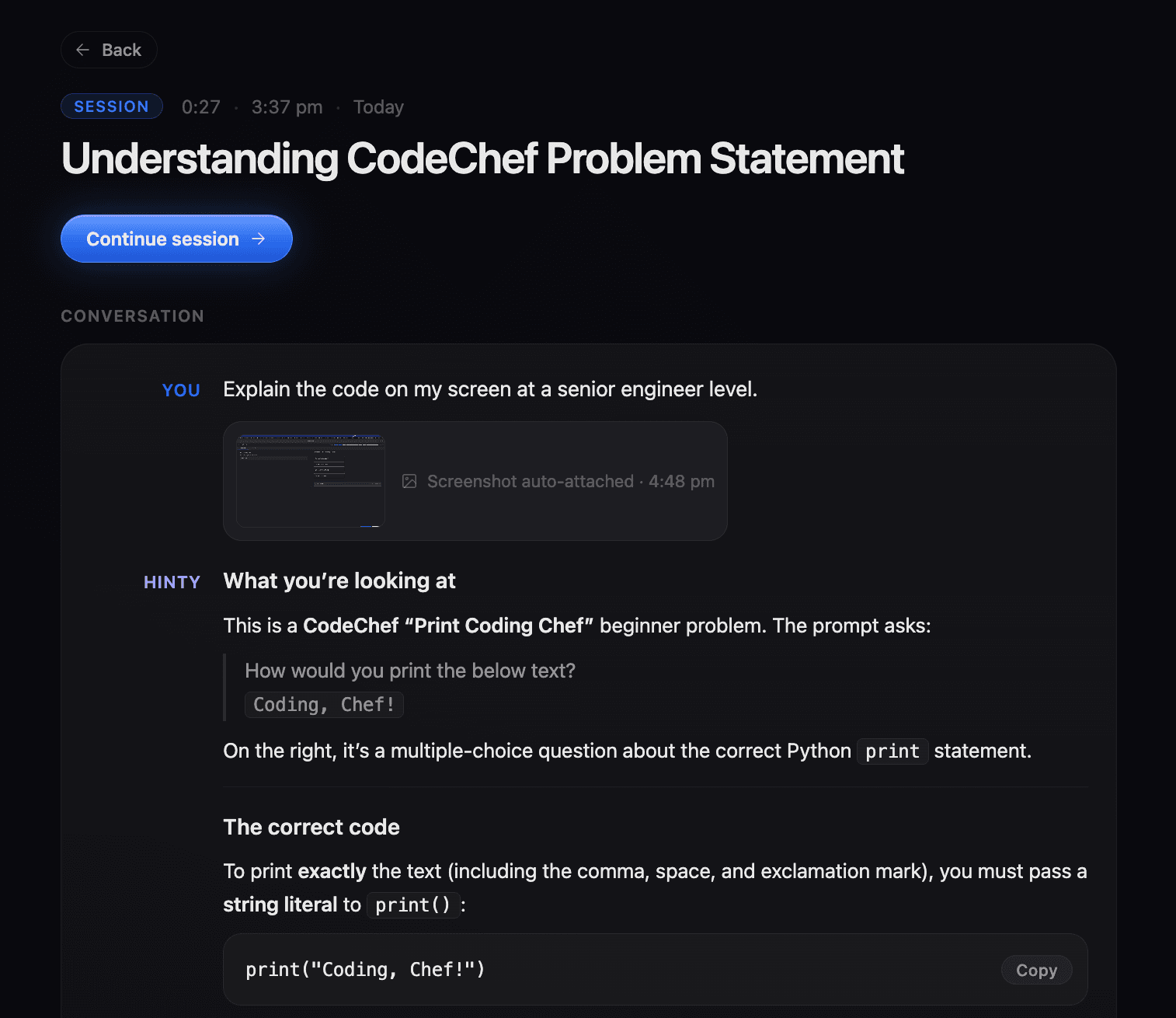
Every answer keeps the prompt, screenshot context, and code response together so you can return to the work later.
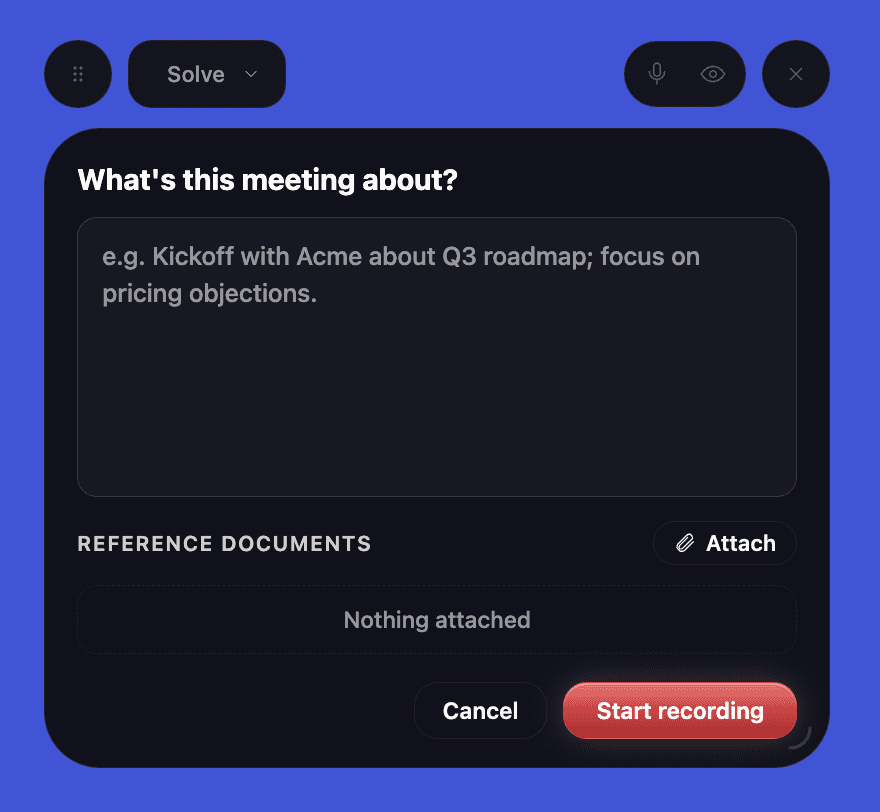
Start a recording with the topic, reference files, and the right mode already set.
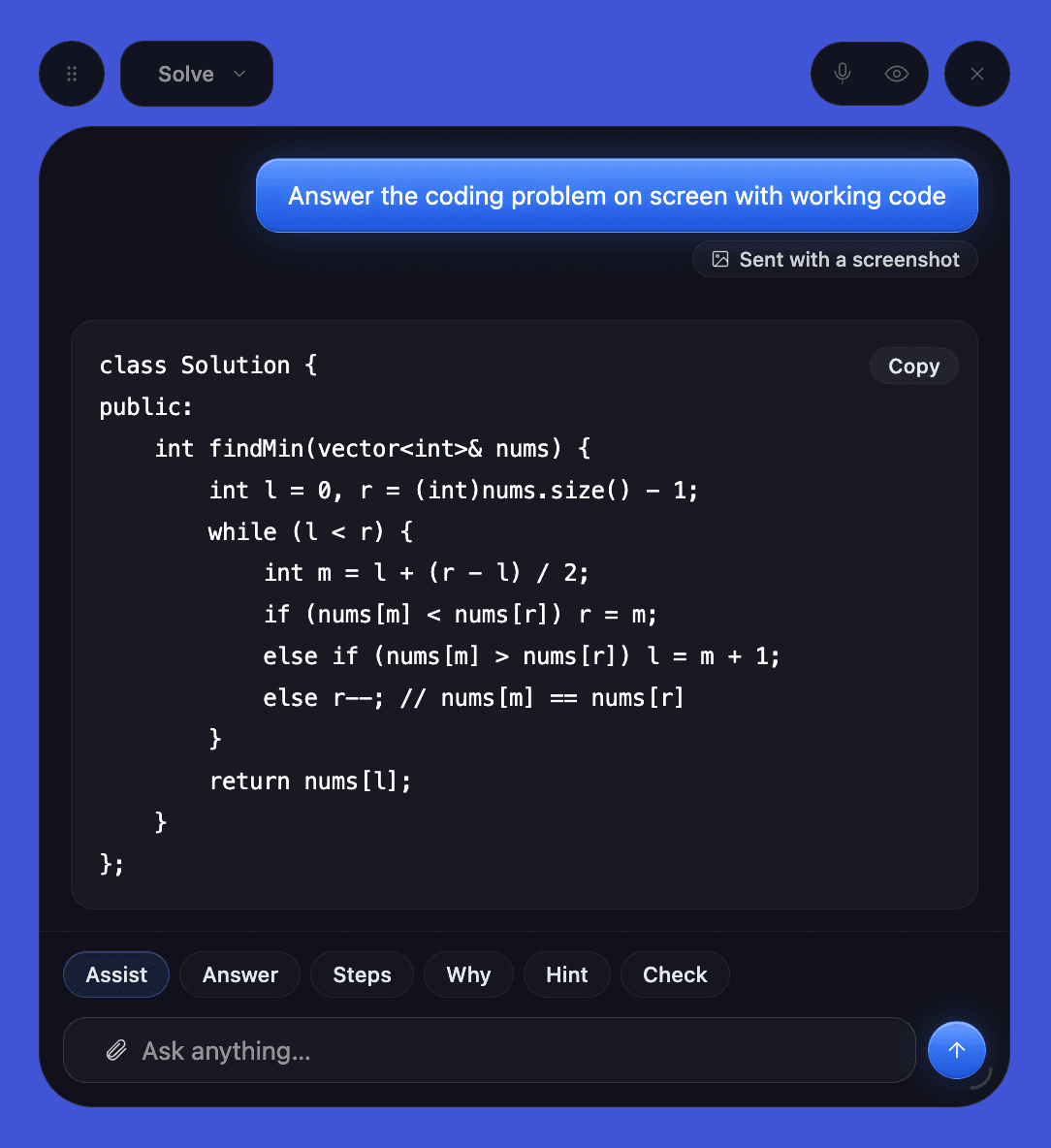
Ask about the visible problem, attach the screen automatically, and get a direct answer without changing tabs.
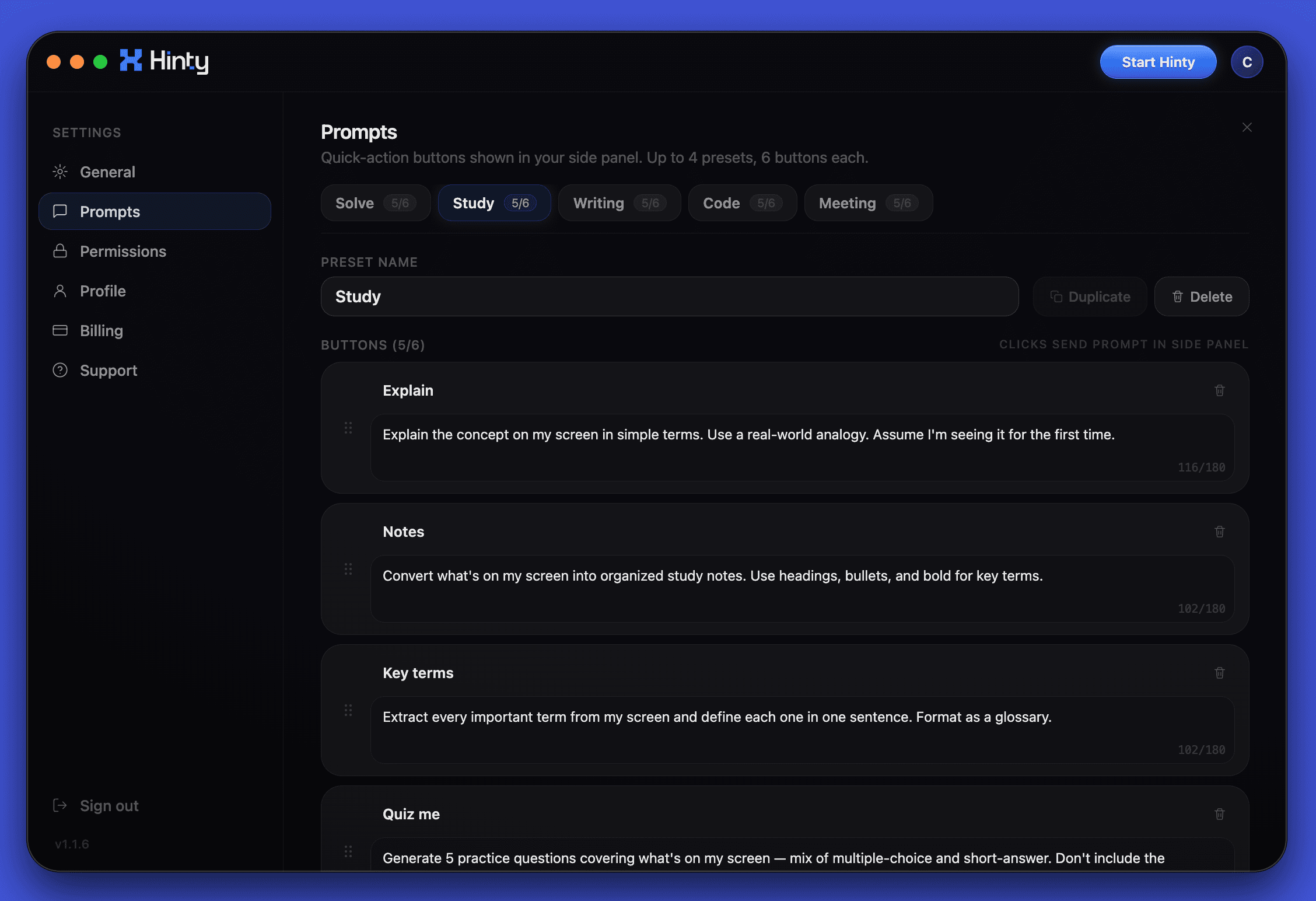
Tune the side-panel buttons for study, writing, meetings, documents, or your own repeat workflows.
When a live question comes up, Hinty keeps the call context nearby and gives you a compact private note without breaking flow.
Lists are mutable, tuples are immutable. Use tuples for fixed data like coordinates or dictionary keys — they are faster and hashable. Use lists when you need to add, remove, or modify items.
Ask about the exact thing already visible: a slide, financial table, dense PDF, dashboard, or application form.
1.A; 2.C; 3.D; 4.A; 5.B;
Keep the source material visible and ask for a concise summary, comparison, or next step without switching tabs.
The table separates everyday screen questions from deeper workflows. Pro is for daily use across apps; Max adds meetings, transcripts, files, and longer context.
Hinty does not need a special workspace. It reads the screen you are already using, listens when Meeting Mode is on, and keeps the answer in a private Mac panel.
See the app





Use the same quiet panel while reading, writing, reviewing notes, or following a live conversation. Hinty keeps the visible context nearby without making you move into a separate workspace.
Billing export is now faster for large teams.
Meeting summaries include decisions by default.
Keyboard shortcuts can be edited from Settings.
Keep track of live discussion context and turn the important parts into notes, decisions, and next steps.
Read visible tables, slides, forms, dashboards, and PDFs without copying everything into another workspace.
Summarize dense text, compare details, and draft a clear next step from the context already in front of you.
Live transcript, silent questions, summaries, decisions, and action items sit in the same private layer.
For trying Hinty in real work.
For day to day tasks
For meetings, transcripts, attachments